CRM Features Consultants Need to Manage Clients Better
In the world of expert advice, your name and your word are everything. But as any pro knows, being smart isn’t enough to grow a business; you need a solid system to track every handshake, pitch, and long-term project. Finding the best CRM for professional services or a reliable consultant project management software is no longer just a nice-to-have idea—it is a must-have tool for anyone moving from a solo gig to a real, growing firm. Unlike a shop that sells shoes, a consultant’s office needs a tool that understands long relationships. It isn’t about a quick sale; it’s about building trust over months or even years.
There are many tools to pick from, but the best one is the one that values people over just numbers. Whether you work alone or lead a small team, a good CRM handles the boring stuff—like setting up meetings or sending thank you notes—so you can spend your time on the big tasks that clients actually pay you for. Let’s explore more about CRM for professional services and some popular CRM software.
Understanding CRM for Professional Services
In the service world, you aren’t selling a box of goods; you are selling your time, your brainpower, and your ability to fix problems. Since there is no shelf full of products to count, the most important thing you own is your relationship with your clients. This is why CRM software for consulting firms is so different from what a regular store might use. For a consultant, the CRM is the bridge between finding a new client and actually doing the work. It makes sure that everything you promised during your first coffee meeting actually gets done during the project.
Consultants use these systems to stop the up and down cycle where they have too much work one month and none the next. By looking at a clear map of their future deals, they can see when business is getting slow and start reaching out to people before the money runs out. Moreover, work becomes faster when time and tasks are tracked in one place, with all client details available on a single screen. It reduces paperwork and helps avoid billing mistakes.
What is CRM for Consulting Companies?
In a consulting business, you sell your expertise, time, and advice. That’s why tools built for consulting work best. They support how you deliver value to clients. Consultants need systems that help manage clients, track time, and deliver value. CRM for professional services is designed to manage the complete project journey, starting from the first client conversation and continuing through planning, execution, and delivery, until the outcome is successfully handed over.
The biggest difference between a general tool and one built for consultants is the focus on projects rather than just sales. In most businesses, the job is done once the customer pays. In consulting, that is just the beginning. CRM for professional services helps manage complex proposals that are time-consuming. It also handles the complete document sharing and feedback that is so common in expert work. Thus, using a tool built for your industry helps you avoid unnecessary complications.
Benefits of CRM for Professional Services Firms
A CRM for consulting business improves daily operations by organizing client data, communication, and sales activity in one system by:
- Improved Communication: A CRM for Consultants stores emails, meeting notes, and files within each client record on the website to access information instantly and respond faster.
- Faster Sales Cycles: A CRM for a consulting business shows the real-time status of every deal.
- Better Client Tracking: A CRM for Consultants provides dashboards highlighting project performance and profitability.
- Organized Data: A centralized website-based CRM stores all client information in one place and offers long-term growth.
Key Features to Look for in Consulting CRM Software
The best CRM for consulting business must be easy to use and powerful enough to manage clients and sales clearly by providing:
- Client Management: Keeps all client details in one place, including contacts, projects, emails, and notes.
- Sales Automation: Manages lead follow-ups, tracks deals, and controls the sales flow to save time.
- Integration Capabilities: Connects with email, calendars, invoicing, and project tools to help avoid duplicate work.
- Reporting and Analytics: Shows sales progress, revenue trends, and client performance. Supports clear business decisions.
- User-Friendly Interface: Consulting CRM software is easy to use, reduces training time, and focuses on client work.
Best CRM Solutions for Consultants
The best CRM for consulting business growth depends on work style and team size. Let’s check them out:
Overview of Top Choices
- HubSpot: Great for starting for free. Manages emails and shows who visits the website.
- Pipedrive: Visual CRM. Shows deals as cards on a board, making it simple to track progress.
- Monday.com: More than a CRM. Combines client tracking with project tasks, ideal for consultants managing delivery.
- Salesforce: Heavyweight CRM. Highly customizable, best for large firms with complex needs.
- Wispa: All-in-one platform that keeps communication, tasks, projects, and client work in one place. Moreover, the software brings messages, files, email, and calendars together with automation and real-time collaboration.
Comparing Features and Pricing
Selecting the best CRM for consulting business growth in 2025 requires a clear look at how each platform supports professional service needs. Research from Wispa shows that a strong CRM for consultants balances price with the ability to manage complex project stages.
- Entry-Level (Solo or Small Teams): Tools such as HubSpot and Pipedrive offer free or low-cost plans, usually between $12 and $25 per user each month. These plans focus on basic contact management and email tracking.
- Mid-Range (Growing Firms): Options like Monday.com and Insightly fall in the $30 to $70 per user per month range. These platforms add key consulting features such as project boards, task tracking, and time management.
- Enterprise (Large Agencies): Salesforce starts at around $150 per user per month. The higher cost supports deep customization and complex workflows for large consulting teams.
- Implementation Costs: Setup time and training also matter. Wispa highlights that overly complex tools may lead to extra spending on staff training or external setup support.
Pros and Cons of Popular CRM Software
Wispa
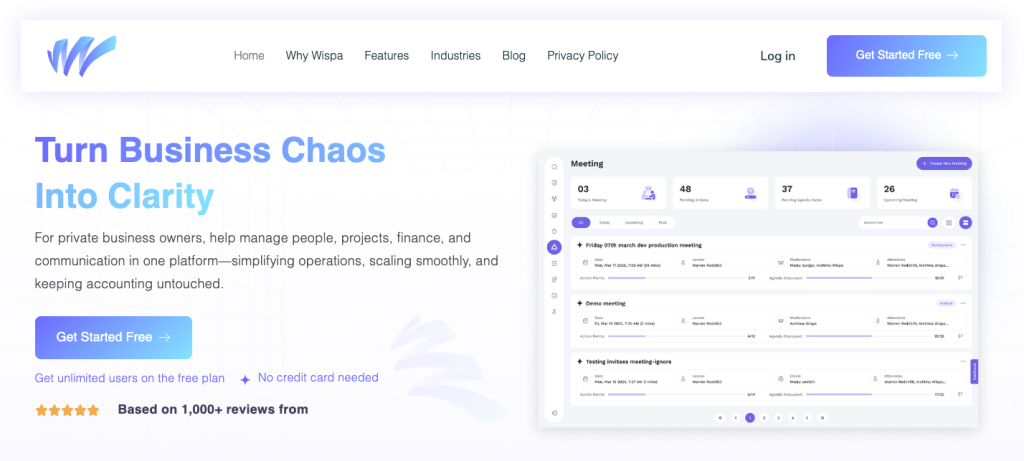
A focused CRM built for professional services. It keeps projects, tasks, and updates in one clear place, helping teams avoid confusion during daily standups.
Pros:
- Made for consultants and experts
- Reduces noise from general tools
- Supports smooth project delivery.
Cons:
- Fewer broad templates compared to large enterprise platforms.
HubSpot
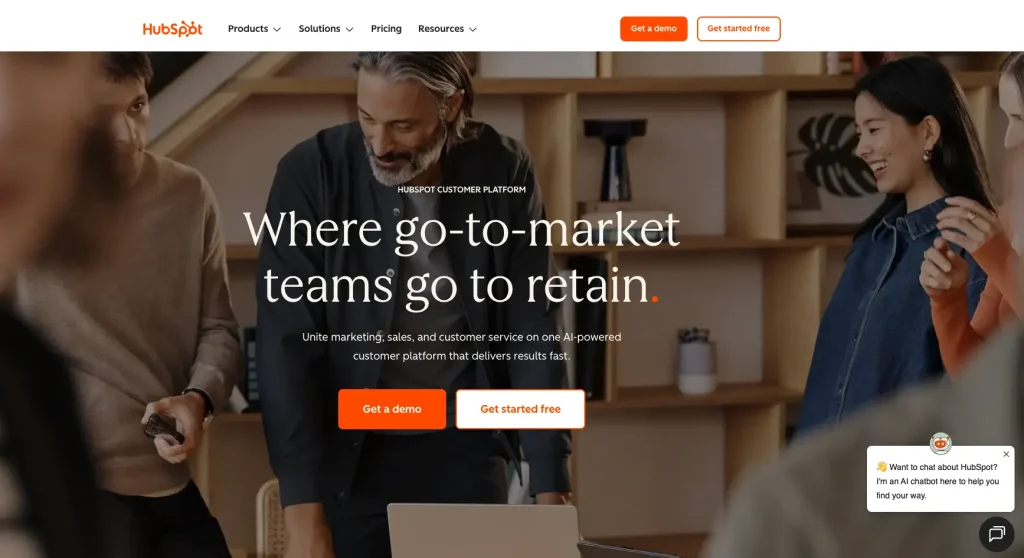
Well-known for lead tracking and marketing tools. It offers a strong Free Forever plan for basic contact and deal tracking. Advanced automation comes at a much higher cost.
Pros:
- Easy to use
- Strong for lead tracking
- Expert in marketing work.
Cons:
- Prices rise fast when advanced automation is needed.
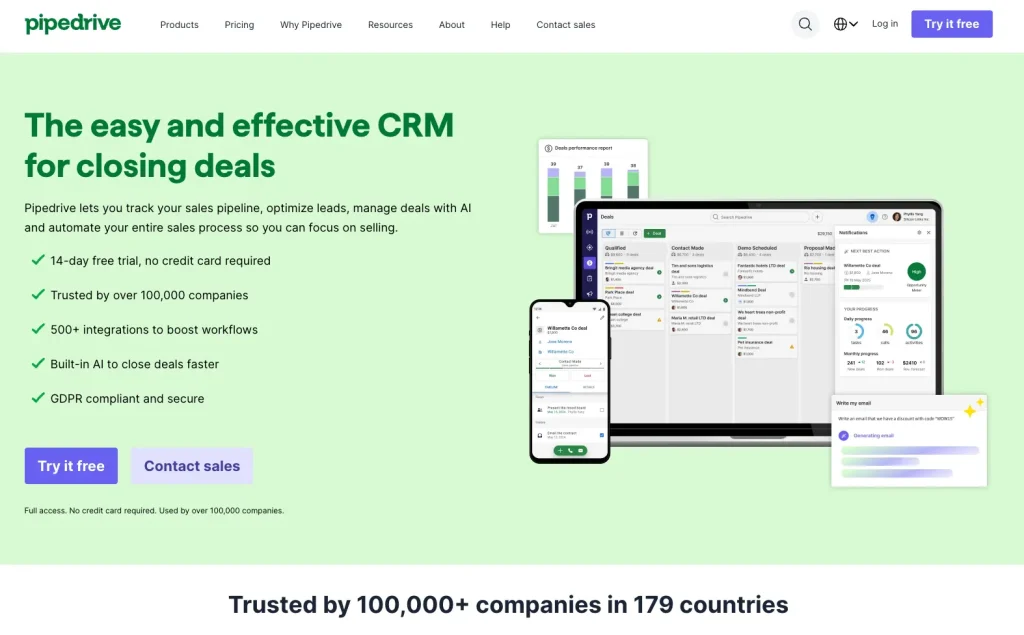
A good fit for sales-driven consulting firms. It offers a clean, visual pipeline and an AI Sales Assistant for emails and deal summaries.
Pros:
- A clear visual pipeline shows deal status at a glance.
Cons:
- Limited after-sales tools
- Another system is often needed for project work.
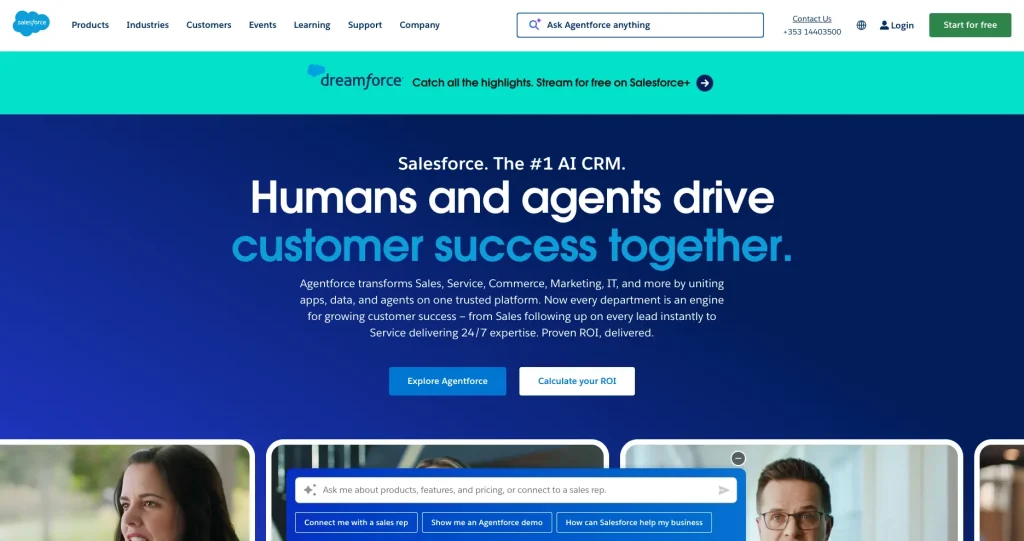
A CRM for large firms needing deep setup options and strong AI tools. In 2025, pricing increased, and AI usage followed a pay-per-use model.
Pros:
- Highly flexible and connects with almost every primary business tool.
Cons:
- Complicated to learn and too complex for small consulting teams.
Implementing CRM in Your Consulting Business
Implementing a new system is a major milestone for any firm. To ensure your best CRM for small consulting business growth actually gets used, follow these practical steps for a smooth transition:
Strategies for Successful CRM Implementation
- Goal-Setting: Decide the primary problem before choosing a consulting CRM software. Set one clear goal to get more deals or avoid missed billing hours.
- Data Migration Best Practices: Clean data before moving it to the new system. Delete old leads, fix mistakes, and move only proper and correct information.
- Customization: Adjust labels to match the existing workflow. Rename leads, projects, and stages so the CRM uses familiar business terms.
- Onboarding: Roll out the system in phases. Start by logging emails and calls in the first week. Add advanced features only after the basics feel routine.
- Integrate Your Tools: Connect the CRM with email and calendar tools immediately. Systems that do not sync with daily tools are often ignored.
Training and Support Considerations
- Schedule Hands-On Training: Run a one-hour session where the team creates a new client and moves a deal through the pipeline together. Learning by doing is faster than reading guides.
- Appoint a Super User: Choose one person as the CRM expert. This person answers quick questions and avoids repeated support calls.
- Check Vendor Support: Pick a CRM with live chat or clear help videos. Platforms like Wispa focus on easy setup and simple use.
- Review and Refine: Once a month, ask what feels slow or annoying. Update settings to keep the system quick and valuable.
- Focus on the Benefit: Explain that the CRM reduces admin work and stress. It is meant to help, not to track people.
Conclusion
As skills matter, staying organized keeps clients coming back. The right CRM for professional services helps move from daily confusion to organized growth. Moreover, keeping all client and project details together ensures no client is ever overlooked.
In 2025, Wispa is a smart choice for service-based professionals. Unlike generic tools, it is built specifically for professional services. Wispa reduces time spent on admin work and follow-ups, and delivers quality work and grows your business.
Summary of Key CRM Features
As you search for the right solution, focus on saving time. Every consultant should look for:
- Handle tasks easily once the deal is done
- See all emails, files, and notes in one place
- Record work hours and get paid on time
- Connect smoothly with your calendar, email, and tools
- Set simple reminders and follow-ups to stay organized
Final Thoughts on Choosing the Best CRM for Your Consulting Firm
The CRM consulting companies enjoy using it every day, which helps them focus on strategy instead of data entry. If you need a platform built for expert-led work, the software offers a focused solution without the clutter of heavy enterprise software. CRM software like Wispa helps reduce time spent on data entry and allows teams to focus on work. So, review your needs, compare options, and choose a system that supports growth.
Frequently Asked Questions
Consultants in the U.S. use a mix of popular and specialized tools. Many rely on CRM platforms such as Wispa, Salesforce, HubSpot, and Zoho CRM. These are the best CRM for consultants for operations and productivity.
In consulting, CRM manages the entire client journey. CRM for consultants helps store client history, track proposals, and predict future needs using analytics and AI.
The Big 4 management consulting firms are Deloitte, PwC (PricewaterhouseCoopers), EY (Ernst & Young), and KPMG.
Use CRM software to manage leads and client data, and tools like Monday.com or Asana to track projects. However, AI tools for emails and reports, and platforms like Slack or Microsoft Teams for communication. Moreover, these best CRM for small consulting business tools support smooth work.
Consulting firms need the best CRM for consultants. It manages the full client lifecycle, enables data-driven decisions, and brings CRM, project management, time tracking, and billing into one system.