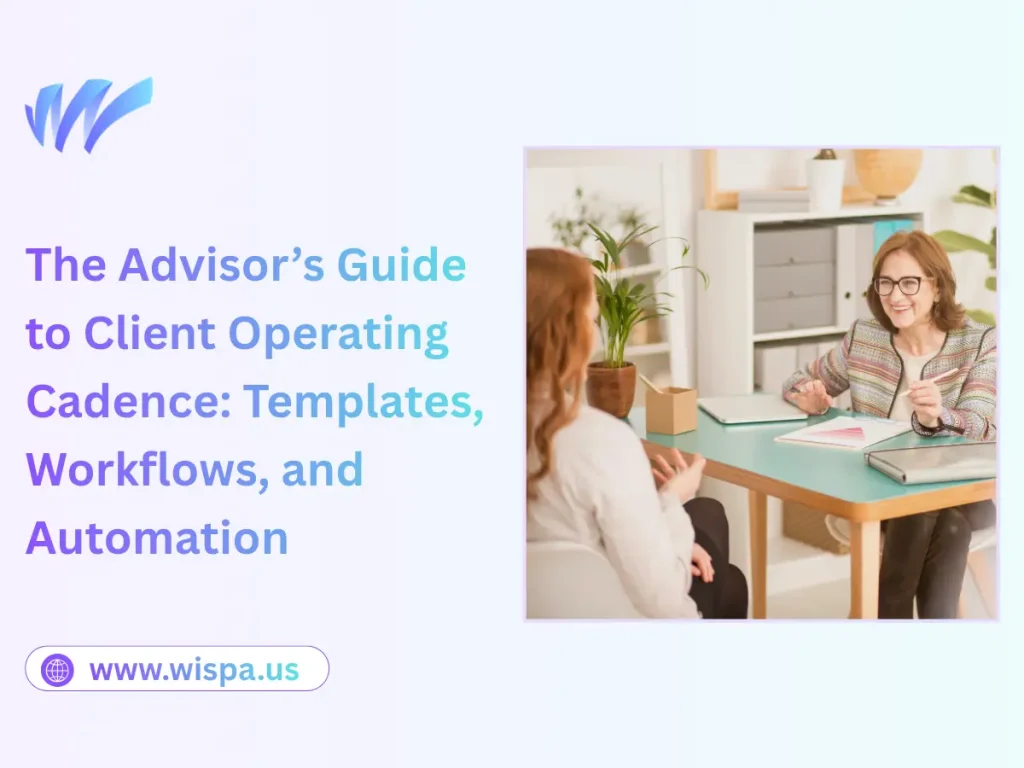
The Advisor’s Guide to Client Operating Cadence: Templates, Workflows, and Automation
You just signed a brilliant new client. The kickoff call was a massive success, and everyone feels energized. But as the weeks pass, that initial momentum starts to fade. Emails slip through the cracks. Check-in meetings lose their focus. Before you know it, your client wonders what exactly they are paying for.
This happens to brilliant advisors every day. You have the expertise to change businesses, but without a structured system to deliver that expertise, your impact gets lost in the noise. This is where a client operating cadence changes everything.
A strong cadence turns unpredictable client relationships into smooth, highly valuable partnerships. It removes the guesswork from your daily schedule. In this guide, we will explore how to build a reliable operating cadence. Using the right tools, like a dedicated consulting management platform, you will learn how to leverage repeatable processes, essential templates, and smart automation to scale your advisory practice without burning out.
What is a Client Operating Cadence?
A client operating cadence is the rhythm of how you interact with your clients. It defines exactly when, how, and why you communicate with them throughout your engagement. Think of it as the heartbeat of your advisory practice.
When you establish a strong rhythm, clients never have to wonder when they will hear from you next. They know exactly when they will receive reports, when strategy calls happen, and how to reach out for urgent support. This predictability builds immense trust. It shows that you are a professional who controls the process, rather than a reactive freelancer who only calls when there is a fire to put out.
Creating this rhythm requires intentional design. You cannot rely on sticky notes or your memory to manage multiple high-stakes relationships. You need documented workflows that guide every step of the client journey.
Building Your Core Advisory Workflows
Workflows are simply a series of steps you take to complete a specific task. By documenting these steps, you ensure that every client gets the exact same premium experience. Whether you build these systems from scratch or adapt existing client workflow templates for consultants, having a standardized approach saves you hundreds of hours.
The Onboarding Workflow

The first 30 days dictate the success of the entire engagement. Your onboarding workflow must be flawless. Do not leave the client waiting for instructions.
Create a step-by-step checklist for every new account, ideally within your workflow management software. This should include sending the welcome packet, setting up shared communication channels, and scheduling the initial discovery deep-dive. When you map this out, you can move a client from “signed contract” to “active strategy” in a matter of days.
The Ongoing Delivery Workflow
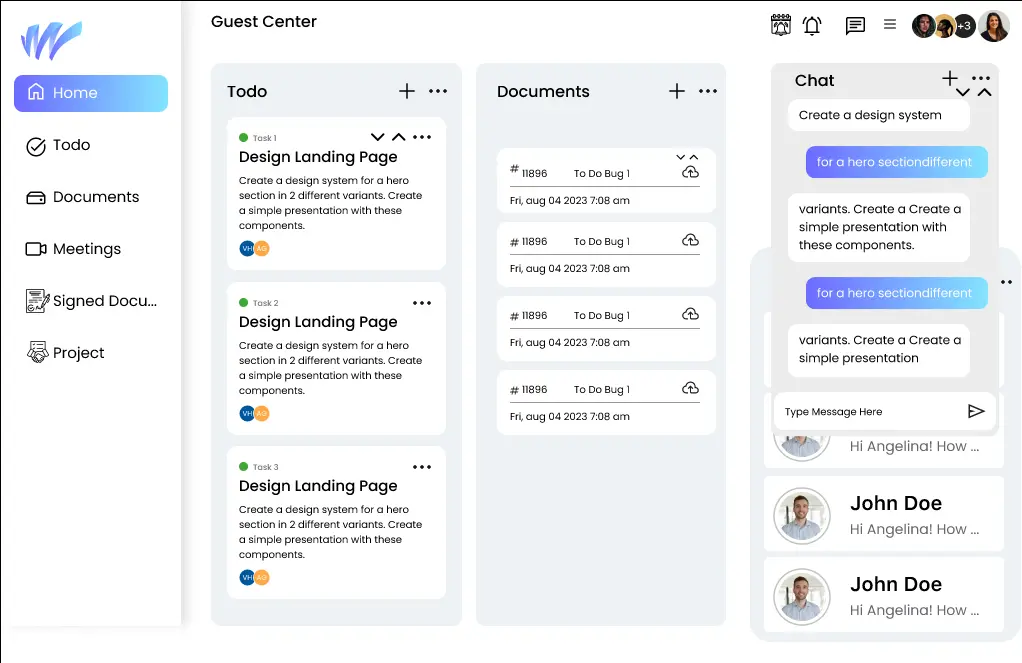
How do you structure your active advisory work? You need a clear workflow for delivering your insights.
Map out how you prepare for monthly meetings. Determine exactly what data you need to collect from the client beforehand. Outline how you will document meeting notes and assign action items. When you standardize your delivery, you spend less time preparing for meetings and more time actually advising.
The Offboarding and Renewal Workflow
Engagements eventually reach a natural pivot point. A workflow for offboarding ensures you capture case study data, secure testimonials, and leave the door open for future work.
If the goal is renewal, build a workflow that triggers 60 days before the contract ends. This gives you ample time to present the progress you have made and pitch the next phase of your strategic partnership.
Essential Templates Every Advisor Needs
Staring at a blank document wastes your most valuable resource: your time. Templates allow you to execute your workflows rapidly. You only need to build these core documents once.
The Weekly Status Update

Clients hate being kept in the dark. A weekly status update template solves this problem instantly. Keep it incredibly simple.
Use a brief format: what we accomplished this week, what we are focusing on next week, and any roadblocks we need you to clear. Sending this quick update every Friday afternoon lets your clients head into the weekend knowing their business is in good hands.
The Meeting Agenda

Never walk into an advisory meeting without a set agenda. It invites tangents and wastes valuable strategic time.
Create a standard agenda template that you use for every check-in. Include a section for reviewing past action items, a section for the main strategic topic of the day, and a section for setting new priorities. Share this agenda with the client 24 hours before the call so they can prepare their thoughts.
The Quarterly Business Review (QBR)

The QBR is your moment to shine. This template should be visually impressive and highly strategic.
Structure your QBR template to highlight high-level metrics. Show the goals you set 90 days ago, the results you achieved, and the strategic pivots you recommend for the next quarter. This document justifies your ongoing advisory fee and proves your long-term value.
Automating the Heavy Lifting
Workflows and templates organize your work, but automation scales it. You do not need to hire an assistant to handle the administrative burden of a tight client cadence. Smart software can do the heavy lifting for you.
Scheduling and Reminders
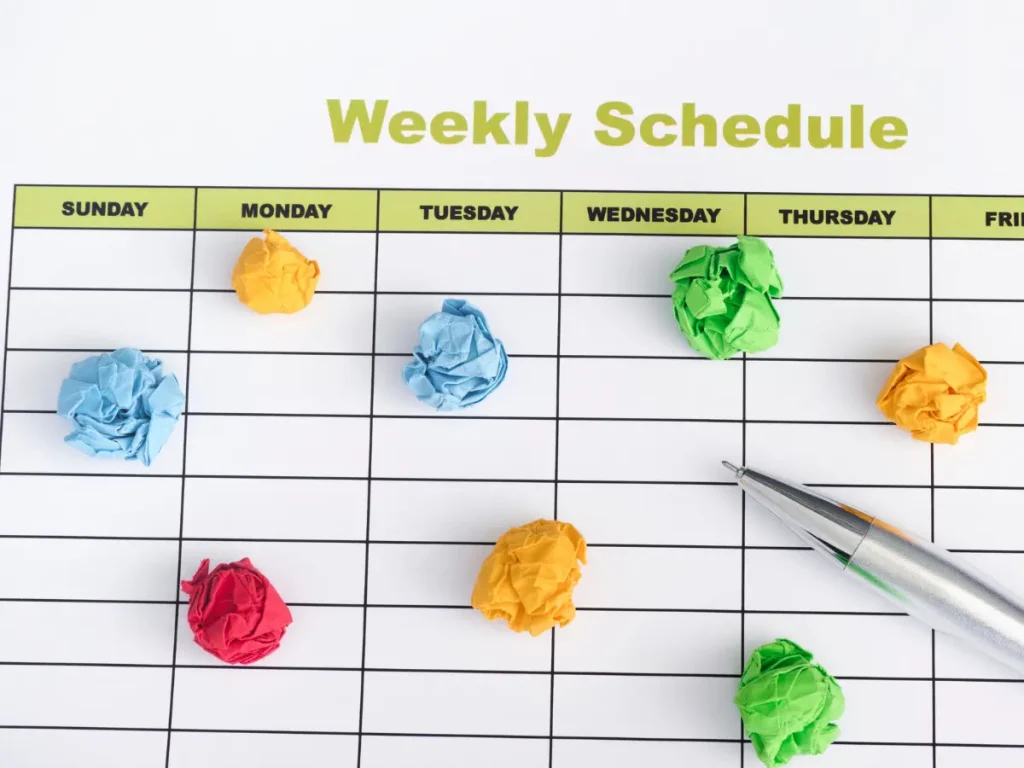
Stop playing email ping-pong to find a meeting time. Use automated scheduling tools.
Set up specific booking links for different types of meetings. For example, create a 15-minute link for quick check-ins and a 60-minute link for monthly strategy reviews. Connect these tools to automated email reminders so clients never miss a session.
Data Collection
If your advisory work requires clients to submit monthly financial or operational data, do not chase them for it.
Use automated form or business management software that sends a recurring request on the first of every month. The system will automatically follow up with the client until they submit the required numbers. You get the data you need to advise them, and you never have to send another nagging email.
Task Management Triggers
Connect your templates to your project management software. When you move a client into the “Onboarding” stage, the software should automatically generate all the necessary tasks and deadlines for you.
When you rely on triggers and automations, nothing slips through the cracks. The software tells you exactly what you need to do each day to maintain your perfect cadence.
Putting It All Together: A Sample Cadence
What does a successful client operating cadence actually look like in practice? Here is a highly effective, repeatable structure you can use right away.
- Weekly: Send a brief, templated status update on Friday afternoons.
- Bi-Weekly: Hold a 30-minute tactical alignment call. Use your standard agenda to clear roadblocks and keep projects moving forward.
- Monthly: Hold a 60-minute deep-dive strategy session. Review the monthly data, analyze market changes, and adjust the short-term plan.
- Quarterly: Deliver your Quarterly Business Review. Bring in other key stakeholders from the client’s company. Celebrate the wins and set the overarching goals for the next 90 days.
Take Control of Your Advisory Practice
A strong client operating cadence removes the stress from your daily work. It allows you to deliver exceptional, consistent value to every single client without working longer hours.
Start for free. You do not need to implement every template and automation today. Choose one workflow, like your meeting agenda or your weekly update, and standardize it this week. Once you feel the relief of having a reliable system, you can slowly build out the rest of your cadence.
Take control of your processes. When you organize your operations, you free up your mind to do what you do best: provide brilliant, transformative advice.
Frequently Asked Questions
A client operating cadence is the structured rhythm of your communication and meetings. It sets clear expectations for when and how you deliver your advice. Having this predictable schedule builds deep trust and prevents you from constantly reacting to urgent client emails.
Using proven templates removes the need to create new documents for every interaction. When you standardize your onboarding, meeting agendas, and weekly updates, you save hours of administrative work. This allows you to spend more time offering high-level strategy instead of formatting text.
Start by automating your most repetitive tasks. Scheduling tools eliminate the endless back-and-forth emails needed to book meetings. Next, set up automated form requests to collect monthly financial or operational data from clients without having to chase them down manually.
Frame the change as a service upgrade. Explain that you are implementing new systems to provide more proactive support and clearer communication. Start small by introducing a standard weekly status update or a fixed meeting agenda before rolling out a completely new schedule.
No, templates actually enhance personalization. The template simply provides the structure, such as the sections of a Quarterly Business Review. Because you spend less time building the document from scratch, you have more energy to fill it with highly customized, strategic insights specific to that exact client.
Gently guide them back to the agreed process during your next check-in. If they skip filling out a monthly data request, walk through it together on your call and explain how the data helps you deliver better advice. Consistent, polite reinforcement trains clients to respect your operational systems.