
Top Software Solutions for Consultants 2026
Being skilled in a field and using the right tools helps run a successful consulting business. The right consulting business software simplifies routine work and manages projects and communication. With proper systems, work is performed quickly and meets the deadlines to make the clients happy.
The software helps grow a business, keeps information safe, and automates business tasks. Moreover, it saves time and lowers manual work. It also helps build a professional image and client trust from the start.
Moreover, the consulting tools provide simplicity and reduce mental stress. When routine work is quickly managed, it helps focus on delivering value to clients. Therefore, investing in the right business software helps in building an organized and scalable consulting business. Let’s explore more about consulting software for consultants.
Understanding the Role of Consulting Management Software
Running a consulting firm is different because time and knowledge are the main products. Since there are no physical goods, tracking work, progress, and value becomes essential. Business consulting software helps manage everything from winning a client to completing a project, while keeping all important details organized in one place.
Moreover, a consulting management software controls the daily operations. Clear reports also simplify the profitable projects and support consistent quality. Standard templates and clear timelines ensure uniform results. Thus, the software helps firms work smarter, manage tasks, and make quick decisions.
Key Roles of Management Platforms
- Centralized Project Tracking: Consulting software shows all projects on one screen. It shows tasks, deadlines, and progress. Nothing gets missed.
- Automated Time and Expense Logging: Team members add work hours easily. Consulting tools keep billing clear and correct. Clients see fair and simple bills.
- Resource Allocation: Managers see who has too much work and who has free time. This balance keeps teams fresh and active.
- Client Relationship Management (CRM): The system saves all client details together. It keeps messages, files, and records ready. This helps give better service.
- Financial Reporting and Analytics: The software for consulting firms shows money details in simple reports. It helps decide what services to grow and what to stop.
Business Management platforms support the whole work process, from first contact to final payment. These tools remove confusion and help teams finish work on time and stay on budget. Simple systems help firms grow with control and trust.
What is Consulting Management Software?
Consulting management software is a complete digital tool that helps consulting firms manage their daily work easily. It is more than just a calendar or a notes app. The software brings all important business tasks into one system. It works as a central place to store clients’ personal details. Instead of checking long email chains, project status and next steps are easy to access in one system.
Further, software for consulting firms helps teams work together and manage money in one place. Team members work on the same project together and see changes right away. The software records work hours and makes invoices automatically. It also keeps client messages, tasks, and payments in one place. This setup removes daily clutter and helps you focus on giving great advice to your clients.
Importance in Business Consulting

- Time-Saving: Basic duties like planning, submitting reports, and data input are managed by management consulting tools, allowing for quick finishing of the task.
- Minimises Errors: Software keeps records, documents, and payments accurate by decreasing human error.
- Enhances Client Handling: stores all client information and project records in one source for quick access and high-quality service.
- Develops Trust: reliable data and specific processes help build a professional image.
- Supports Growth: Tools for management consulting help manage more clients without decreasing quality.
Key Features of Effective Management Consulting Tools
Choosing the right software for consulting firms is easier when the focus is on tools that fix daily problems. The best tools support smooth work in four main areas:
- Client Relationship Management: These tools store client details and help in client management.
- Data Analytics and Reporting: Accurate reports and simple charts show theest performing services to help plan future work and growth.
- Project Management Capabilities: Consulting software helps plan tasks, manage work, and finish projects on time.
- Financial Management and Invoicing: Send invoices and track expenses, showing profits and helping avoid billing mistakes with consulting software.
- Document Management: Consulting tools store proposals, contracts, and reports safely. Files stay easy to find and share when needed.
- Security and Compliance: The software keeps client data safe and follows safety rules to protect business information.
- Integration Abilities: Strategy consulting tools connect easily with email, calendars, and accounting tools.
Popular Business Consulting Software Solutions
There are many management consulting tools available today. Many firms also use strategy consulting tools to create simple plans and clear reports for clients. Below are some popular options:
Wispa (All-in-One Consultant Hub)
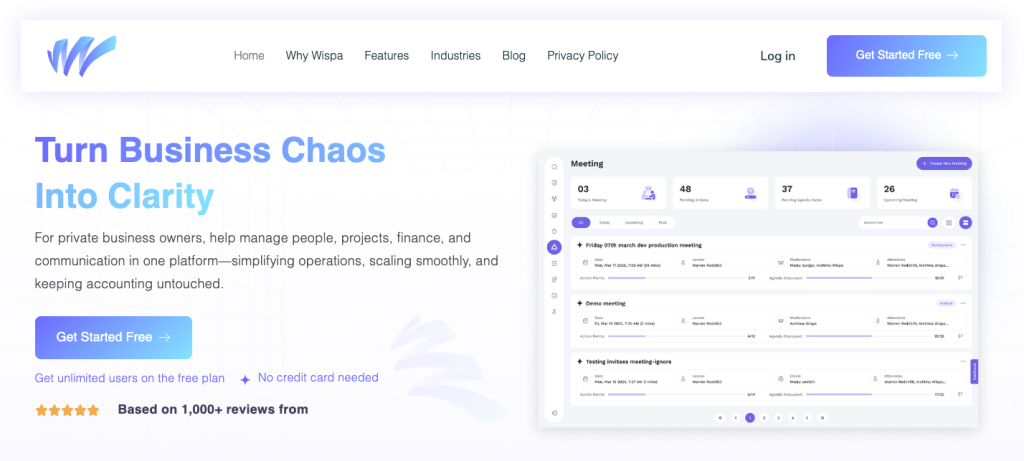
Wispa fits best software for consulting firms. It covers the whole consulting process. Clients get a branded portal to log in and see project updates. Clients also download files anytime. This reduces calls and messages. Wispa moves a lead into a project automatically. All client details stay in one place.
HubSpot CRM (Sales and Relationship Management)

HubSpot helps manage sales and clients. It tracks emails and meetings on its own. The deal pipeline shows all open projects. It also shows the next step to close each deal. Follow-ups stay on time. This helps keep work steady.
Asana (Workflow Coordination)
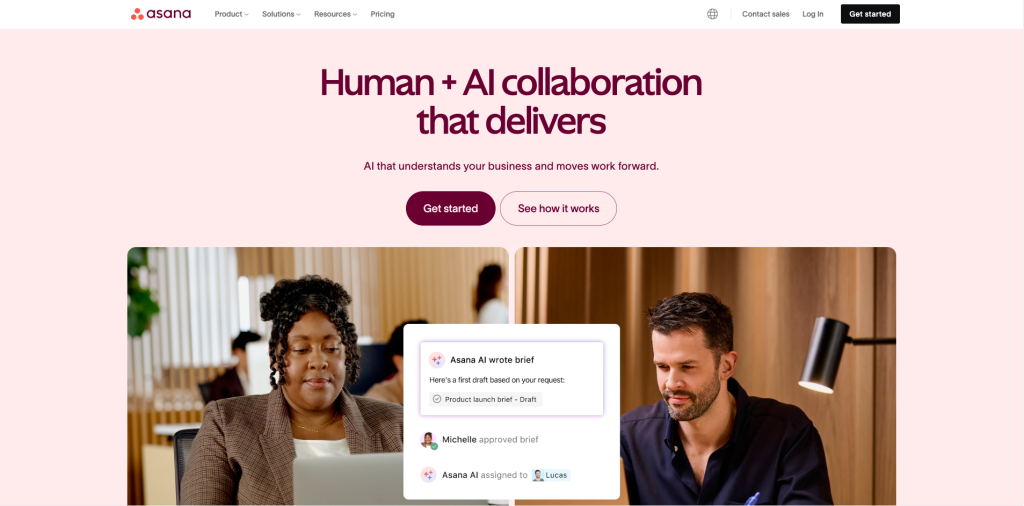
Asana helps plan and track work. Timeline views show task order clearly. Delays show up fast. Simple rules send alerts when key tasks finish. This keeps projects on track.
Monday.com (High-Level Customization)
Monday.com uses boards to track work. Boards fit many needs, from small tasks to big plans. It connects with email, calendar, and files. All updates show in one place for the whole team.
Trello (Visual Task Management)
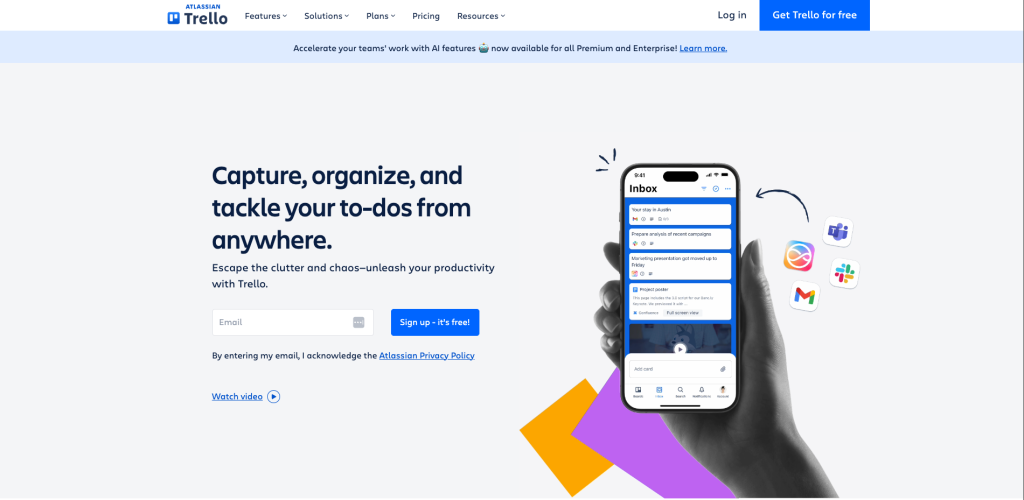
Trello uses cards and columns. Tasks move from start to finish. Each card holds notes, files, and dates. This tool works well for quick tasks and clear views.
QuickBooks (Financial Integrity)
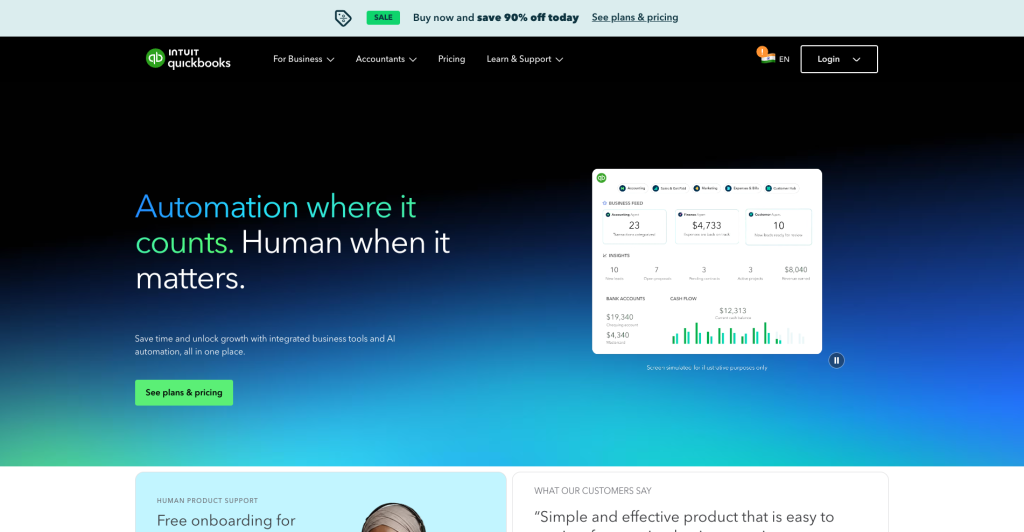
QuickBooks helps manage money. It creates clean invoices and sends payment reminders. It tracks expenses through bank links. Records stay clear and ready.
How to Choose the Right Software for Your Consulting Firm
Here is a simple guide to help choose the right one.
Assessing Your Firm’s Needs
Start by listing daily problems. Common issues include missed deadlines, slow follow-ups, or too much time spent on billing. Choose management consulting tools that solve these problems. Task management tools help manage projects, while email tools help manage leads and sales.
Evaluating User Experience
Look for a simple design and clear menus. A free trial or demo helps check if the tool feels right. Easy software saves time and reduces training effort.
Considering Scalability and Cost
Choose management consulting tools that grow with the business. Some tools cost less at the start but become expensive as the team grows. Check pricing plans early. The right software fits the budget today and supports future growth without extra trouble.
Assess Mobile Accessibility
Use software with a mobile app or website that works on phones. This lets users update tasks, track time, and do work while outside the office or at client sites. Mobile access keeps work going anytime, anywhere.
Reports and Analytics
Choose software that gives reports on billable hours, project progress, and teamwork. These reports show what is done, what is late, and how the team is performing. Use this information to plan work better and save time.
Future Trends in Consulting Tools
Consulting tools are becoming more thoughtful and more helpful. Today’s software does more than store data. It helps firms work faster, make better choices, and stay secure. Using the right consulting management software helps businesses stay ahead.
Artificial Intelligence Integration
AI drives modern business consulting software without human input. Today, it helps make decisions.
- Forecast for Project Success: Smart platforms find problems early. AI studies the earlier projects and compares them with the existing costs and plan.
- Automated Meeting Intelligence: AI-powered consulting tools join every virtual meeting. It helps understand the meeting notes and create a summary to-do list and notes in minutes without wasting hours on work.
- Quick Resource Matching: AI matches the right people to projects using experience and availability.
Cloud-Based Solutions
Cloud technology powers modern consulting with hybrid work. It helps to access data anytime and anywhere.
- Real–Time Global Access: Teams in different cities work on the same file at the same time. Changes appear instantly, so everyone sees the latest version and approves faster.
- Easy Mobility: Mobile apps help consultants log hours, scan bills, and chat securely without a laptop. Work continues from anywhere.
- Scalability without Stress: Cloud platforms allow teams to add users or storage in one click. No servers. No IT problems. Just smooth growth.
Focus on Cybersecurity
As firms handle more sensitive data, cybercrime risks grow. Advanced consulting tools include security as a basic feature.
- Military–Grade Encryption: The top software encrypts every file transfer. Financial reports or strategy documents stay unreadable to anyone except the right person. It keeps the client’s trust.
- Multi–Factor Authentication: Fingerprints, face scans, or security keys add extra protection and keep data safe even if a password leaks.
- Automated Legal Compliance: Laws like GDPR require strict data rules. Consulting tools store and manage data to follow these rules. They can even delete client data automatically after a set time to stay compliant.
Implementing Virtual and Augmented Reality (VR/AR)
For consultants in architecture, engineering, and manufacturing, seeing builds trust. VR and AR turn flat 2D plans into clear 3D views. These consulting tools help clients understand ideas fast and make quick decisions.
- Immersive Digital Twins: VR lets clients walk inside digital versions of projects. They can explore a factory or hotel before construction starts. It speeds up approvals and reduces costly mistakes.
- Virtual Boardrooms: AR changes remote meetings with shared 3D spaces.
Low-Code/No-Code Customization
Old software forced teams to follow fixed steps. Advanced consulting tools adjust according to the business goals.
- Low-code and no-code tools let users build dashboards with drag-and-drop. They make automating tasks, tracking progress, and creating client reports easy.
- Custom consulting tools match real project needs. Firms save time, reduce errors, and work efficiently. This freedom helps consultants serve clients with speed, clarity, and confidence.
Conclusion
Running a successful business needs good time use and organized data. The right consulting software keeps daily work smooth. It reduces confusion, helps teams work better, and builds a professional image.
Consulting software covers all key business needs. It stores client details in one place for easy client handling. Simple reports and charts show top services and support future growth. It helps in project management to plan tasks, track work, and finish projects on time. Moreover, the software allows quick invoice management and expense tracking. It is also safe to store their client data and manage communications.
Wispa is a good choice for service providers who want simple and easy-to-use software. It supports teamwork and project work. Choosing the right consulting business software helps a business grow steadily and succeed in the long run. Act now and pick the best.
Frequently Asked Questions
Consultants use software for consulting firms, such as Wispa, to help manage projects. However, HubSpot helps find clients, QuickBooks manages funds, and Slack or Microsoft Teams supports communication.
A software consulting business helps companies use the right technology. It provides expert assistance and uses simple consulting tools to save time and reduce costs.
Most software for consulting firms connects through built-in integrations. Tools like Zapier link apps that do not connect directly.
Solo consultants usually spend $500–$1,500 per year. Small firms invest $3,000–$7,000 in quality consulting tools.
These are all-in-one platforms that manage people, projects, and profits. The software for consulting firms helps track work, time, and budgets in one place.